
Turn "how much for 500?" into a real order. Quote lists, catalog mode, priced quotes by email and one-click acceptance that creates a WooCommerce order. With PDF quotes. Free.

From request to paid order in three steps. Every feature is free, with no Pro version.
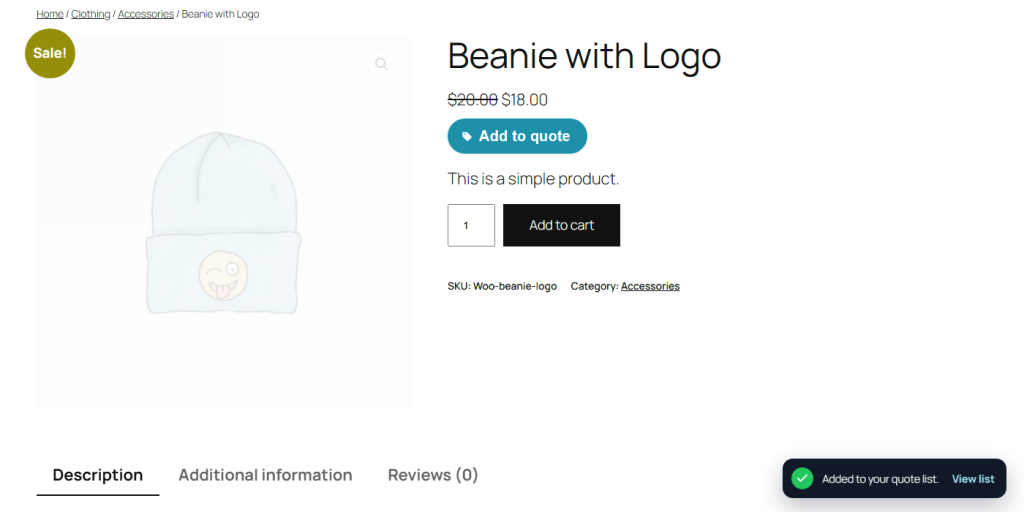
A customer clicks "Add to quote" and sends the request from the quote page.
You get an email, set a price per line, add discount, shipping or extra costs, and email the quote.
The customer accepts (an order is created and they pay) or rejects with an optional reason.
Everything a quote workflow needs, from catalog mode to PDF quotes, in one free plugin.
Hide prices, the add to cart button, or both, for the whole shop or chosen products, categories and roles.
New, sent, accepted, rejected and expired statuses, with expiry dates and a reminder before a quote runs out.
Accepting creates a real WooCommerce order at the quoted prices and sends the customer to payment.
Branded PDF quotes from the admin, My Account and the email, plus six WooCommerce-styled notifications.
Name, email, phone, company, address and message, each optionally required, with consent checkbox and honeypot.
Shortcodes, a widget, template overrides, HPOS and block checkout support.
Every feature below is included free.
Show "Add to quote" on product pages and shop listings, with your own label, for everyone or only chosen roles.
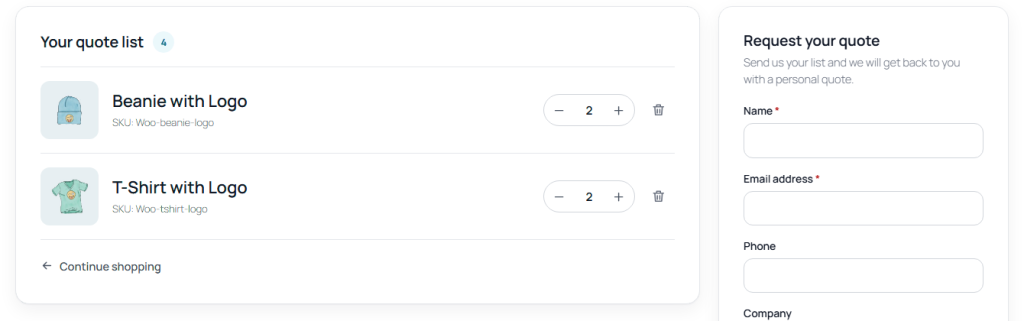
The quote page shows the list with quantities and a request form you configure.
Set per-line prices, discount, shipping, extra costs and a note. The customer accepts or rejects with one click.

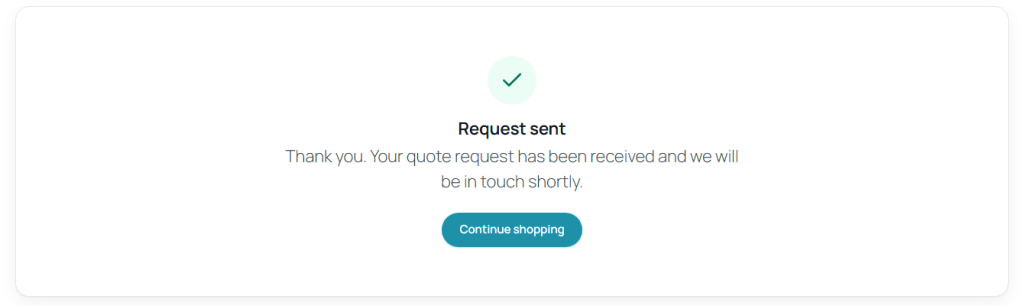
Customers see that their request arrived and get an email copy. You get notified straight away.
Request a Quote needs WooCommerce.
| Software Version | v1.1.2 |
|---|---|
| WordPress Tested Up To | WordPress 5.6 – 7.1 |
| Builder Compatibility | WooCommerce 5.0+ (tested with 11.1) · HPOS & block checkout |
| PHP Version Required | PHP 7.2 or newer |
| Licensing Engine | Easy Digital Downloads (instant download from your account) |
| Last Software Update | November 19, 2026 |
Can't find your answer? Open a support ticket and we'll help.